Build a shared caller-intent glossary across departments
A routing discussion stalls when teams use different names for the same request.
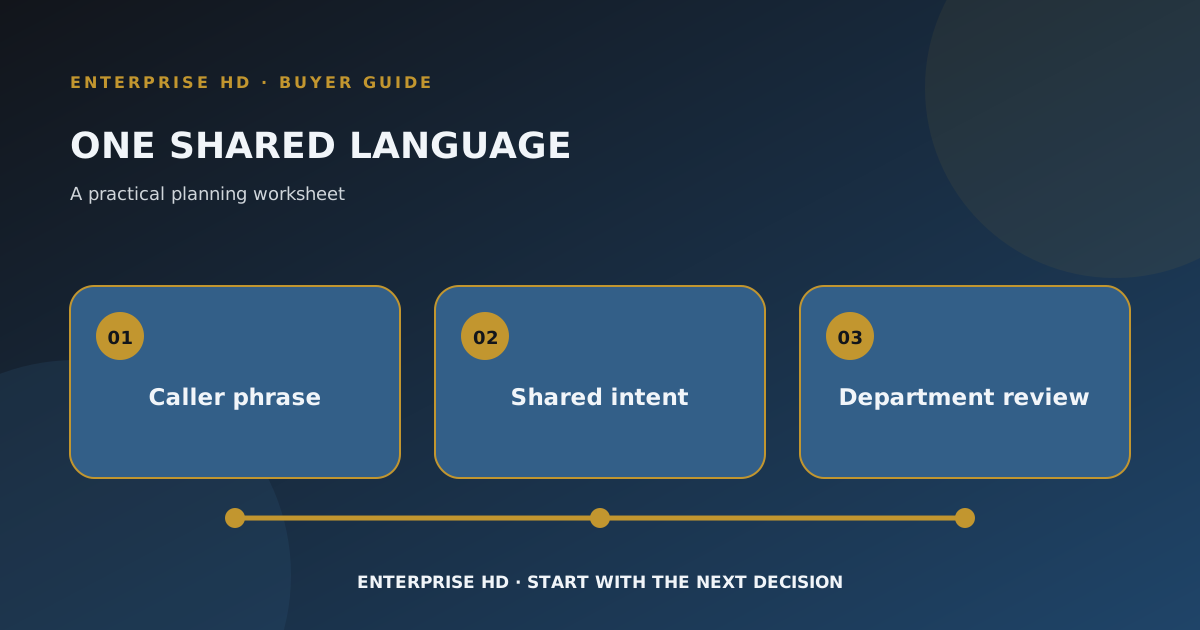
Before a large organization debates which department should answer a call, it helps to agree on what the caller is asking for. A small, shared glossary can separate caller language from internal queue names. It is a document your team writes and maintains; it is not a claim that a platform classifies every call correctly or enforces policy.
Capture the caller's words first
Ask each receiving team for a few common phrases callers use. Keep those phrases next to the team's internal term. “I need to change who receives an invoice” may be called billing, account administration, or customer service by different groups. The glossary's job is to expose that mismatch, not to decide account permissions.
| Caller phrase | Shared intent label | Terms other teams use | Decision still needed |
|---|---|---|---|
| A real anonymized phrase | One plain-language label | Team-specific labels | Owner, exception, or authorization question |
Use only examples your organization can share internally. Illustrative: “I need to update the person on our account” could mean a billing contact or a service contact. The shared label might be “contact change requested,” with the account type left unresolved. No agent or employee should infer authorization from that sentence alone.
Keep labels separate from destinations
An intent describes the caller's purpose; a destination names the next owner. One intent might have several permissible routes depending on facts the caller has not given. Conversely, two phrases may lead to the same team while needing different intake questions. Record the distinction in ordinary language so a reviewer can see where an unknown remains.
The evaluation brief can use glossary entries as consistent test cases. The route-change review can then ask whether a proposed change affects one intent or several. Neither article replaces the organization’s own policy or approval process. If your team wants to discuss its inbound terminology and route map, contact Enterprise HD.